The attorney runs the whole show.
The case builds itself.
Client walks in with a folder — paystub, tax return, credit report, bank statements. Sarah opens her app, makes a case, drops the documents in. Minutes later: Ch 7 petition assembled, means test computed and explained, exemptions resolved, every creditor address verified. Later that week the court drops a docket and the case absorbs that too.
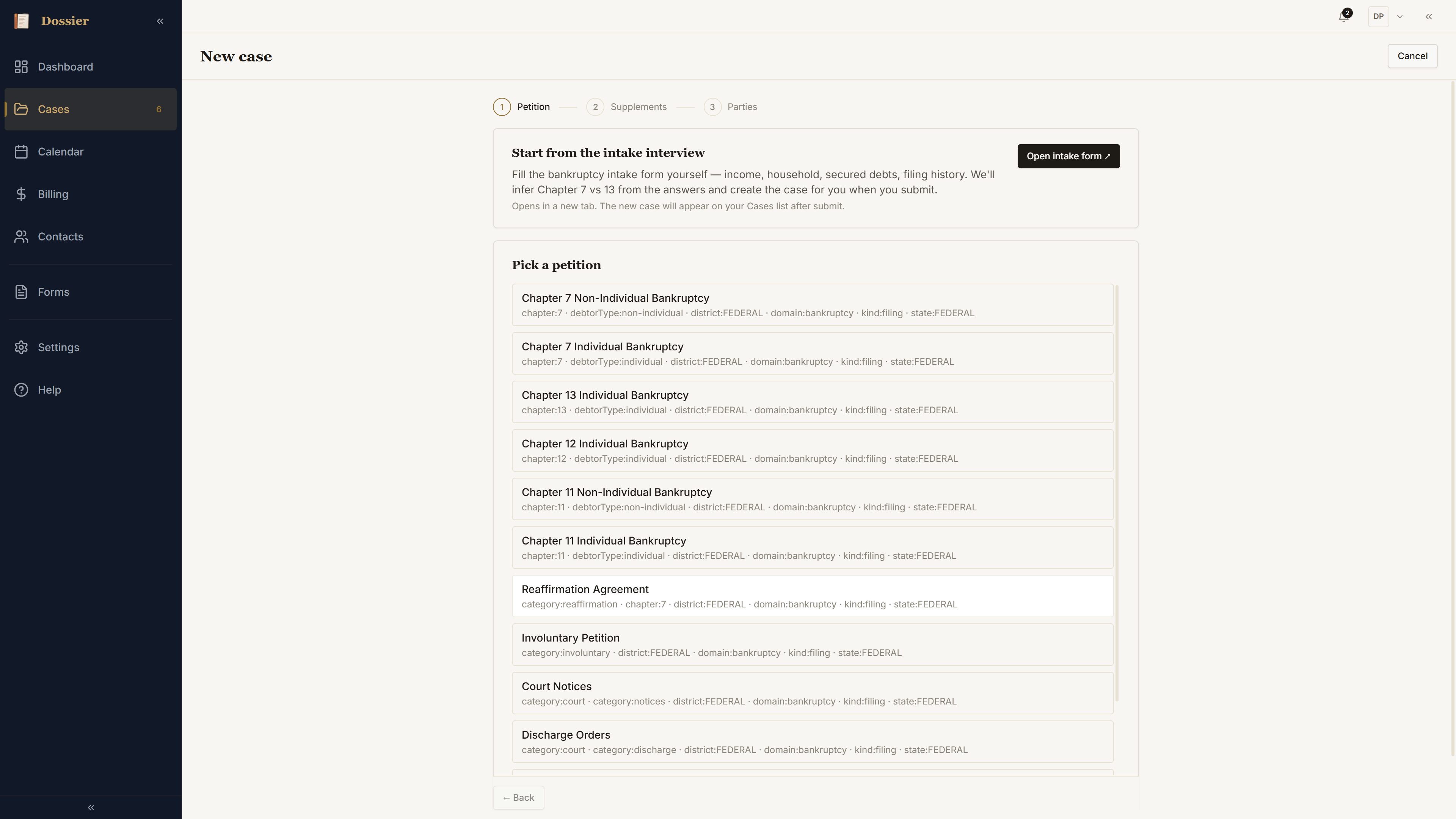
New case → Petition
Top bar, + New → New Case. Bankruptcy, individual debtor, Ch 7, district of choice. Saving creates the case and the first draft filing in one move — B 101 voluntary petition seated automatically.
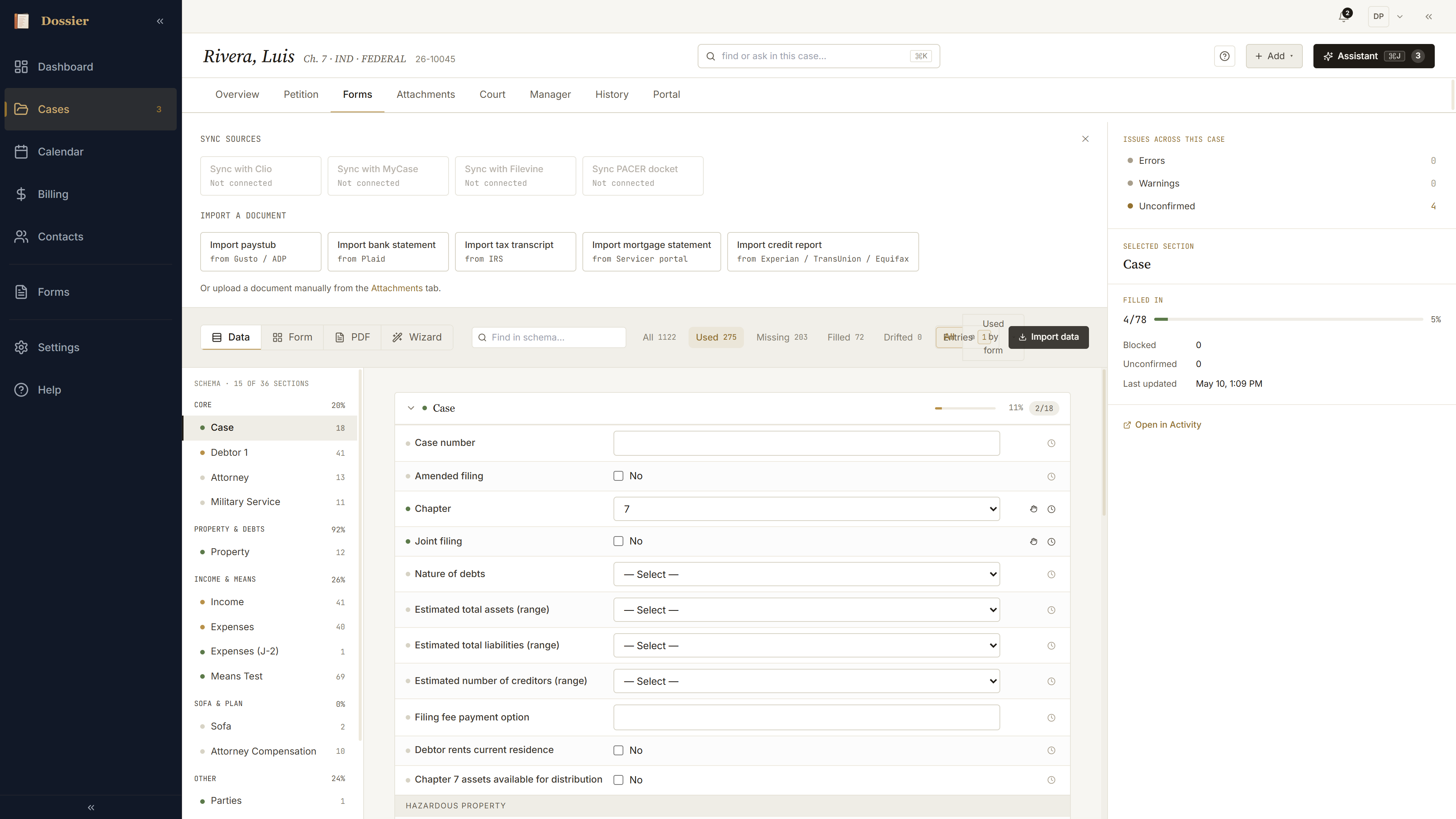
Pull data — paystub, tax, bank
Forms tab. Pull data opens the import tray — every source the firm's configured. Credit bureaus, paystubs, tax returns, bank statements, CSV. Each is a recipe: what it writes, where. Sarah drops three documents, each lands as one sourced entry on the case.
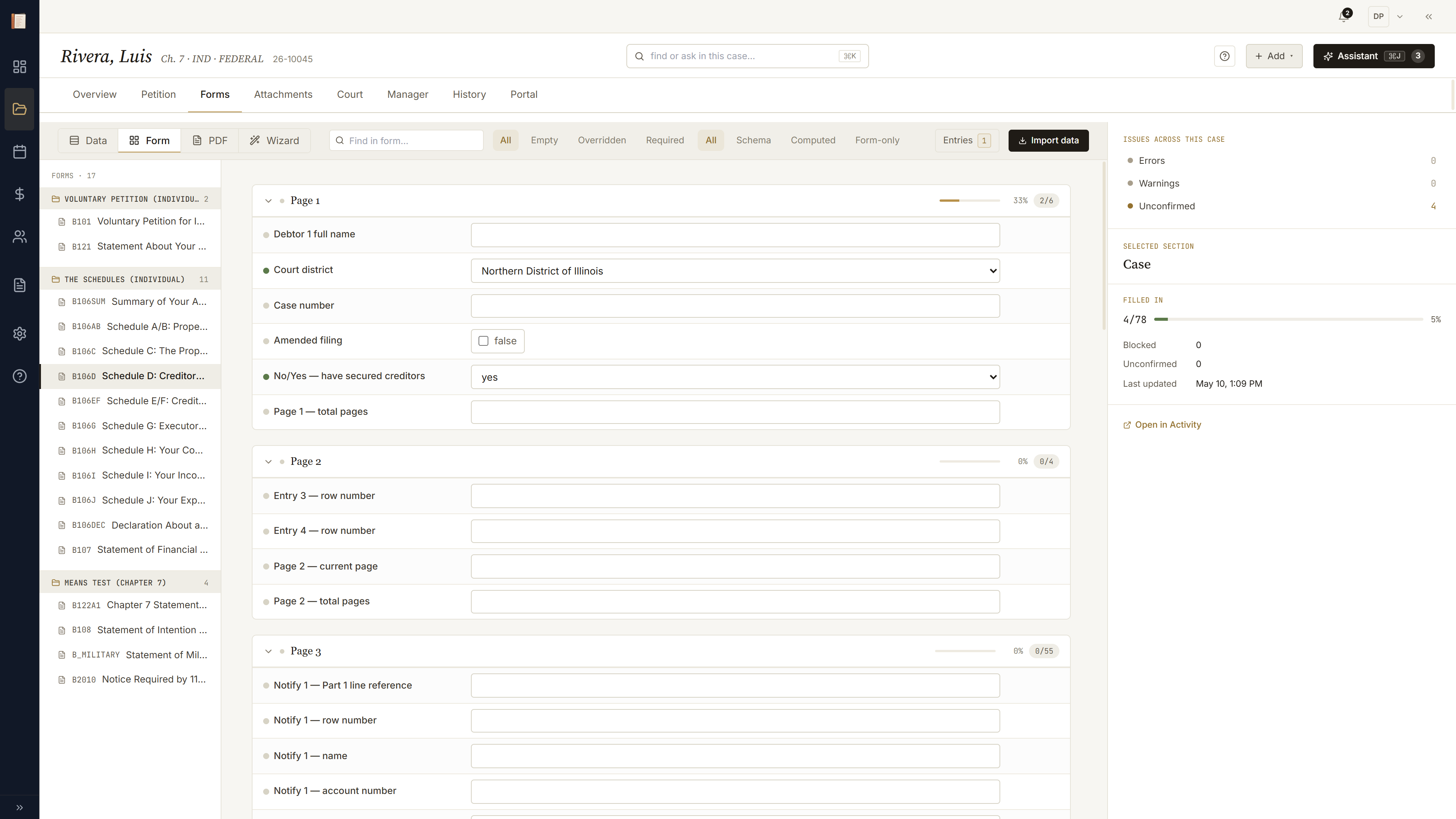
Credit report builds Schedule D
Pull data → Credit report. Trade-lines arrive as a list — balance, account, payment, address, type. Confirm, and the secured creditors slot straight into creditors[]. Schedule D fills itself, addresses normalized, account numbers redacted to the last four.
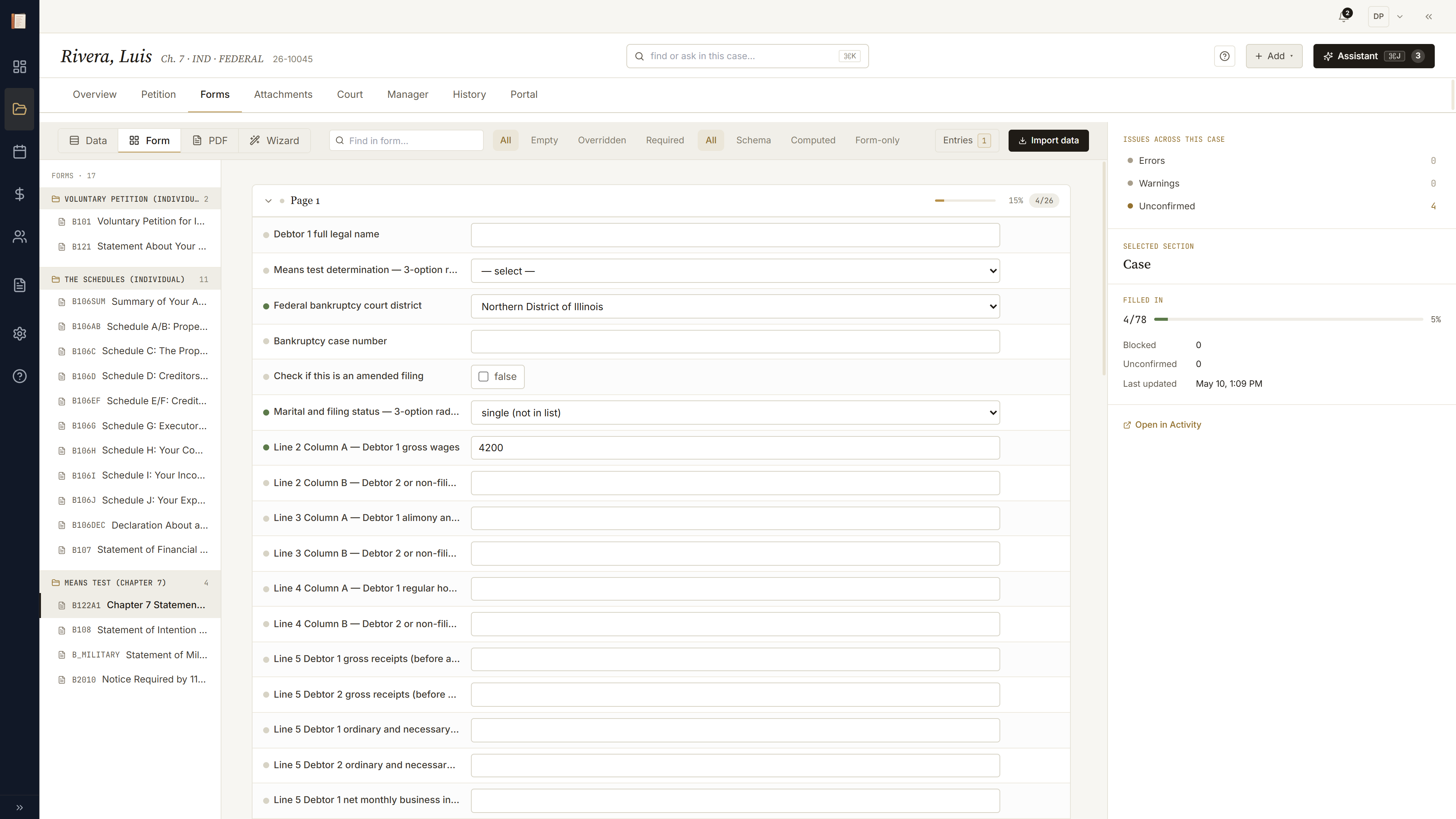
One click → 116 fields appear
Form lens on B 122A-1. Sarah flips the marital-status radio to married, filing separately. The whole Column B income block lights up gold and slides into place — visibility computed live from one binding, the cascade animated so you can see the dependency.
Means-test verdict on the Overview
Overview tab. The verdict strip across the top carries one pill per calculator — Means Test PASS, Exemptions OK, Plan N/A for Ch 7. Click the means pill to land directly in the calculator with its explained worksheet open.

Why the verdict is the verdict
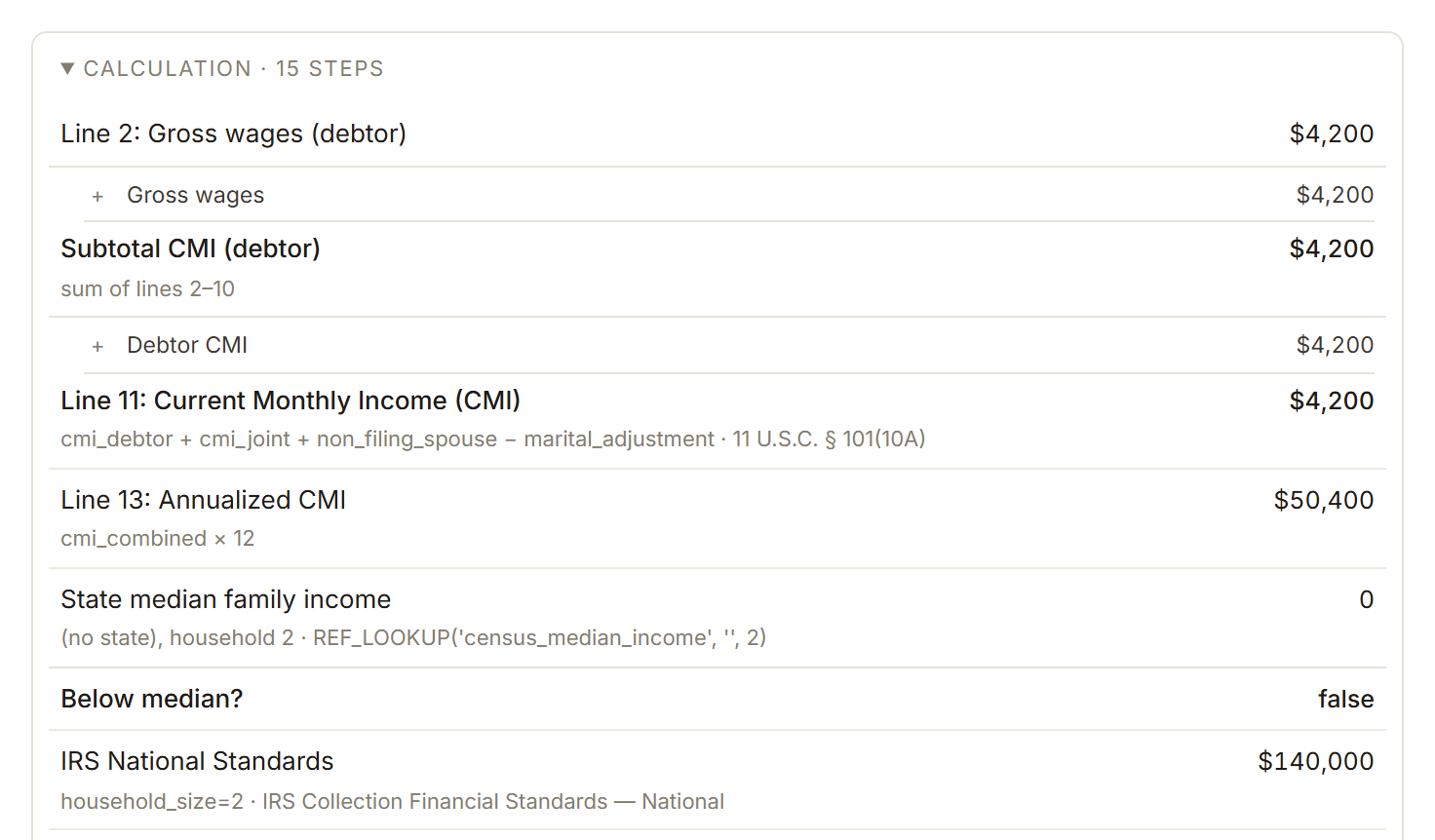
The means-test worksheet expands as a trace — each line is the expression with substituted values. gross_wages × 12 = $50,400, six-month lookback averaged, household-size step-down applied, median compared. Every input traces back to its source document.
Exemption resolver, asset by asset
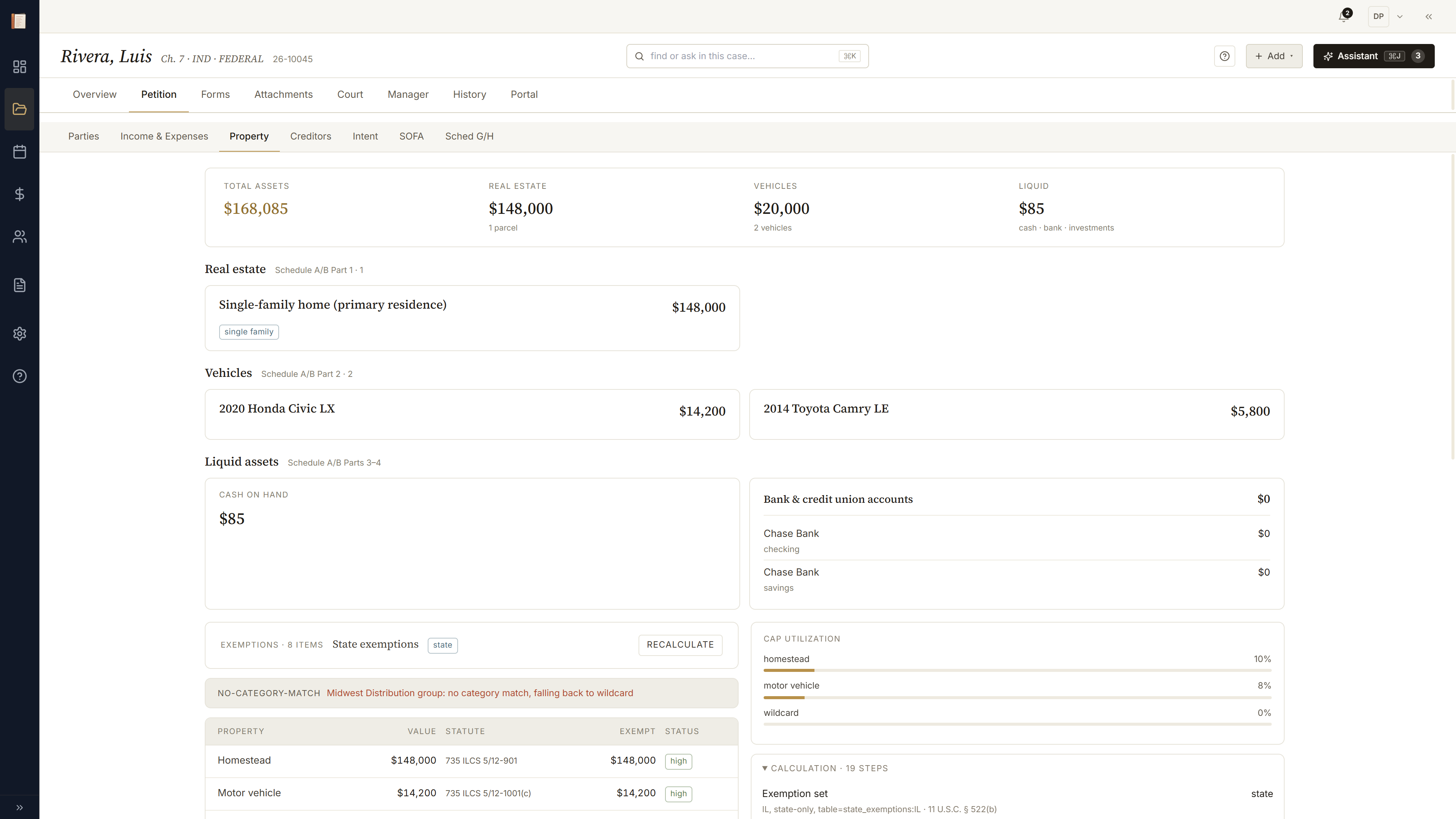
Property tab. Each asset row shows available vs claimed; the resolver picks the right statute per asset and tells you where the value comes from. A trace expands for each row — homestead cap, wildcard remainder, federal vs state choice — same explained-worksheet shape as the means test.
Schedules built — the real PDF
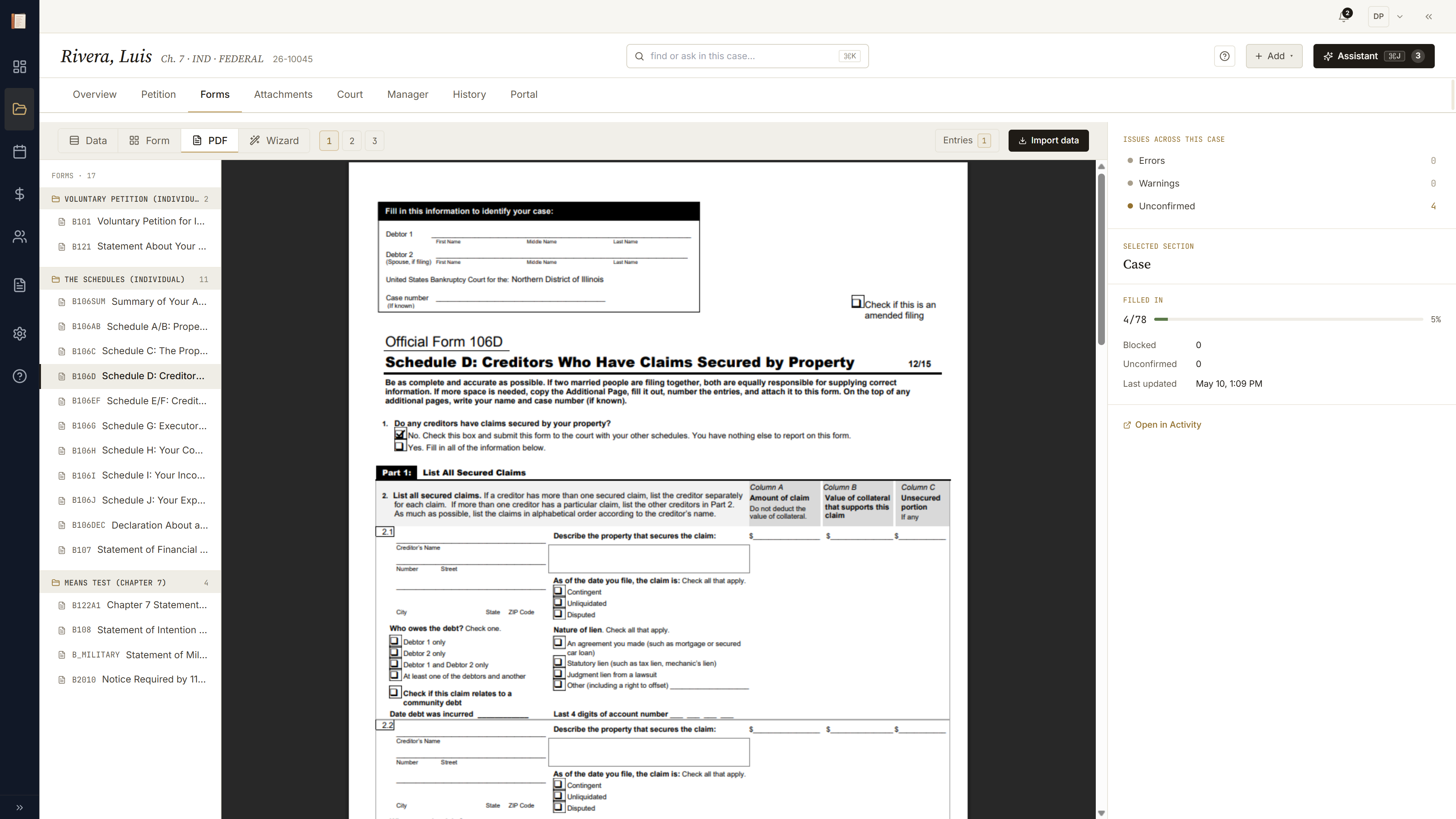
Forms → PDF lens. The real fillable PDF for Schedule D, populated. The focused field on the page maps back to a schema key in the rail; click a row in the rail and the highlight jumps to the box. Same data, third projection.
Petition ready to file
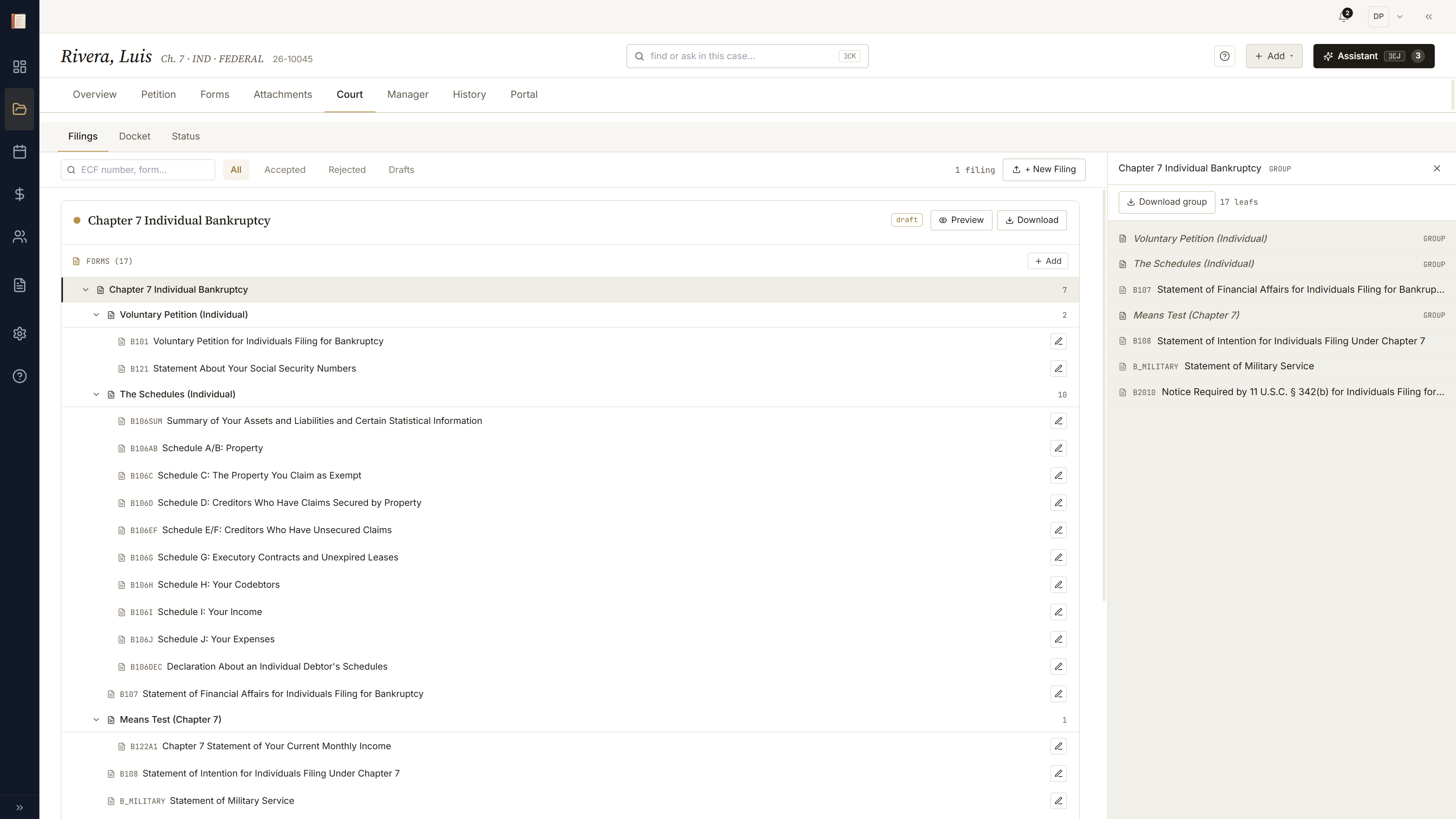
Court → Filings. The Ch 7 group expands — petition, schedules A/B through J, SOFA, means-test forms — each leaf populated from the schema, the pre-flight rail showing readiness across the packet. Download merged PDF, sign, file.
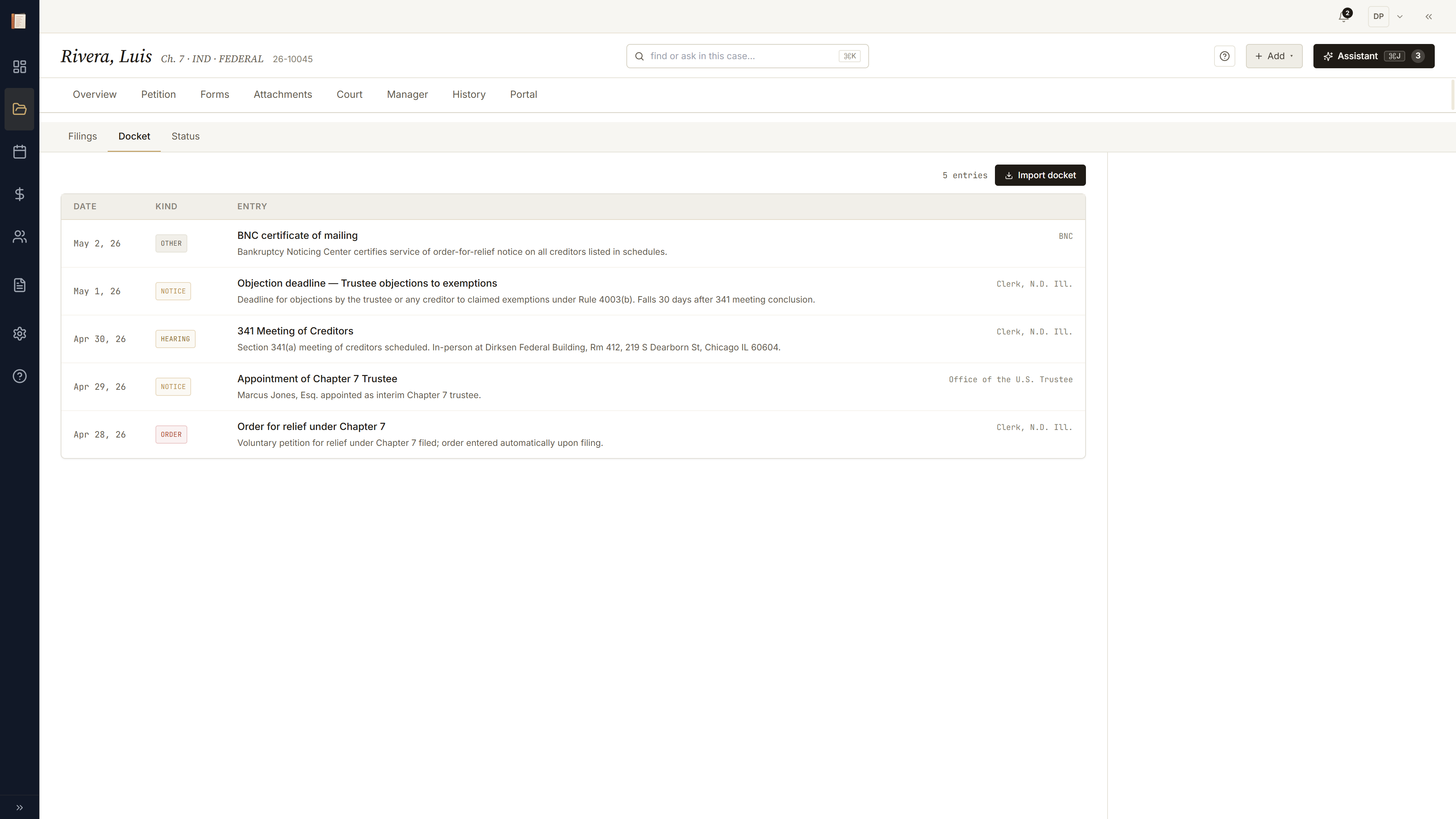
Court drops a docket. Case absorbs it.
A week later, Court → Docket. Paste the docket PDF and the parser turns it into typed entries: §341 meeting set 2026-06-12, response deadline 2026-06-19. Each entry auto-creates a deadline on the calendar and a question thread on Manager — nothing to retype, nothing to forget.
The other directions.
Same case, same outcome — but starting from the client, or a guided tour of the chrome itself.